Common Questions
What does a redstone comparator do?
A comparator either compares two signal strengths (rear input vs side input) or subtracts the side input from the rear input. It also has a special talent: it can read signal strength from certain blocks like containers and generate a redstone output based on how full they are.
How do you switch a comparator into subtract mode?
Right-click the comparator. When the front torch turns on, it is in subtract mode. When that front torch is off, it is in compare mode.
Is a comparator the same as a repeater?
No. A repeater is mainly for delay and refreshing a signal over distance, and it is most often used as an on/off tool. A comparator is for measuring and logic, and it can pass along and process analog strengths (0 to 15) instead of treating everything like a simple binary pulse.
What blocks can a comparator read?
Common ones: chests, barrels, hoppers, droppers, dispensers, furnaces (including smoker and blast furnace), brewing stands, and more. It can also read some “level” blocks like lecterns and cauldrons in many versions. If a block stores items or has a measurable state, there is a decent chance a comparator can read it.
How does signal strength work when reading a container?
The comparator outputs a redstone strength from 0 to 15 based on how full the container is. Empty is 0. Completely full is 15. The exact value comes from overall inventory fullness (roughly an average across slots), so it is not only about how many slots are occupied. Stack sizes and how full each stack is can change the number.
Why is my comparator not outputting anything?
- Make sure the comparator is facing the right way. The two rear torches mark the input side, and the single front torch points to the output.
- Check you are reading a valid block. Not every block gives a comparator output.
- Confirm there is actually an input signal or a readable “level.” An empty container will output 0.
- Look for an accidental side input. Side inputs can reduce or override output depending on mode.
Do comparators work with item filters?
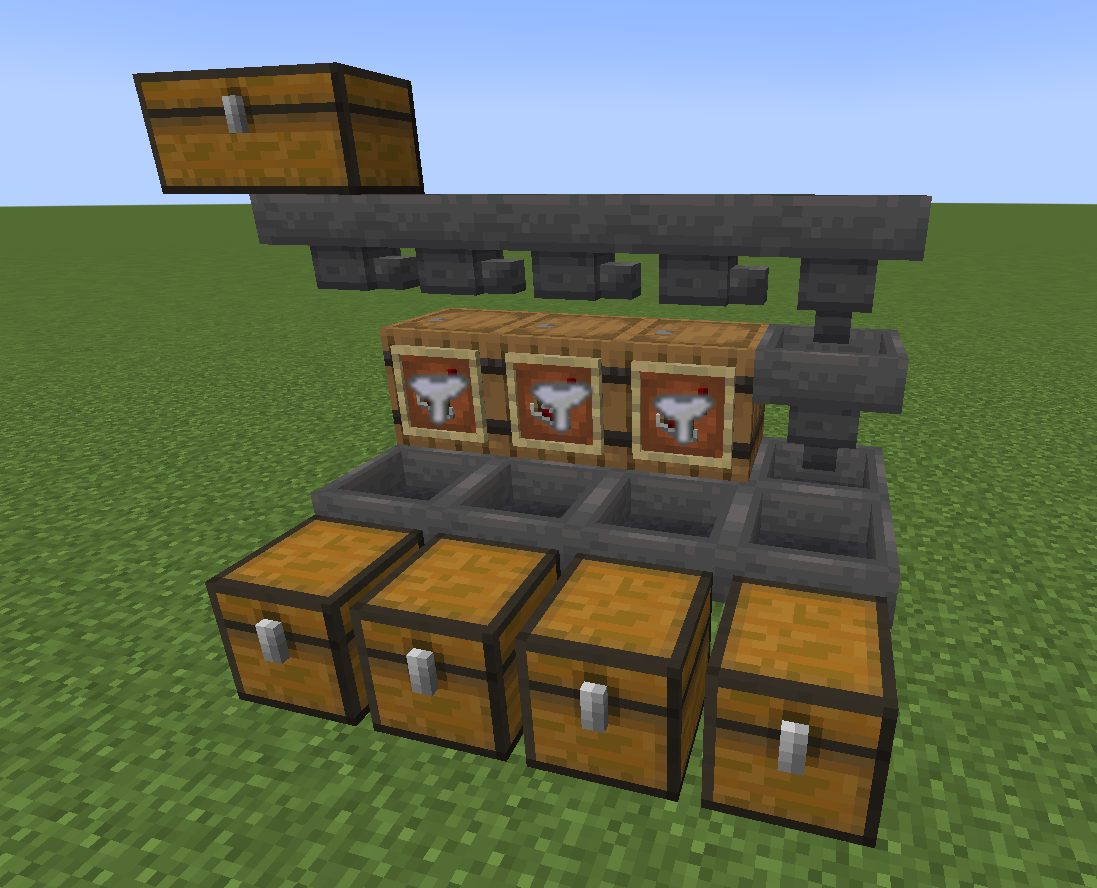
Yes. They are basically the brain of most classic hopper item filters because they can read the hopper’s fullness and trigger a response only when the filter conditions are met.